


AI face blur video online in seconds
Blur, pixelate, or anonymize video content, with automatic face detection, one-click processing, export-ready in minutes.
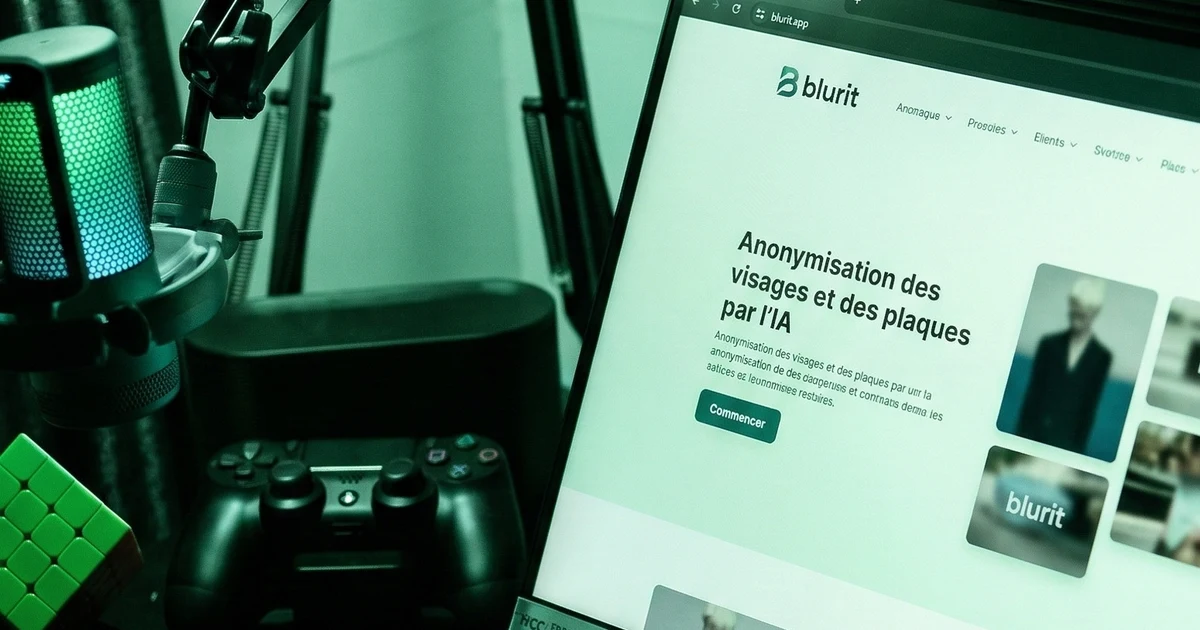
AI face blur video online in seconds
Protecting privacy in video content has never been easier. Blurit's AI-powered face blurring tool uses automatic face detection technology to find and blur faces in your videos without manual frame-by-frame editing. Whether you are a journalist protecting sources, a creator publishing street footage, or a business team aligning with GDPR requirements, this workflow helps you anonymize faster and publish confidently [1] [2].
- ✓ Automatic face detection (no manual selection)
- ✓ One-click processing (upload → blur → download)
- ✓ Batch processing for multiple videos
- ✓ GDPR and privacy-ready workflows
- ✓ Supports MP4, MOV, AVI, WebM, and more
Whether you need to blur video online for publishing, pixelate faces in video for stronger anonymity, or fully anonymize video clips before distribution, Blurit works as an end-to-end face blurring tool. Compare processing time and pricing, browse use cases and guides on our blog, and read our GDPR requirements for video and face blurring.
Instead of spending hours drawing masks, let AI handle detection and tracking while you focus on publishing.
Automatic Face Detection for Video Privacy
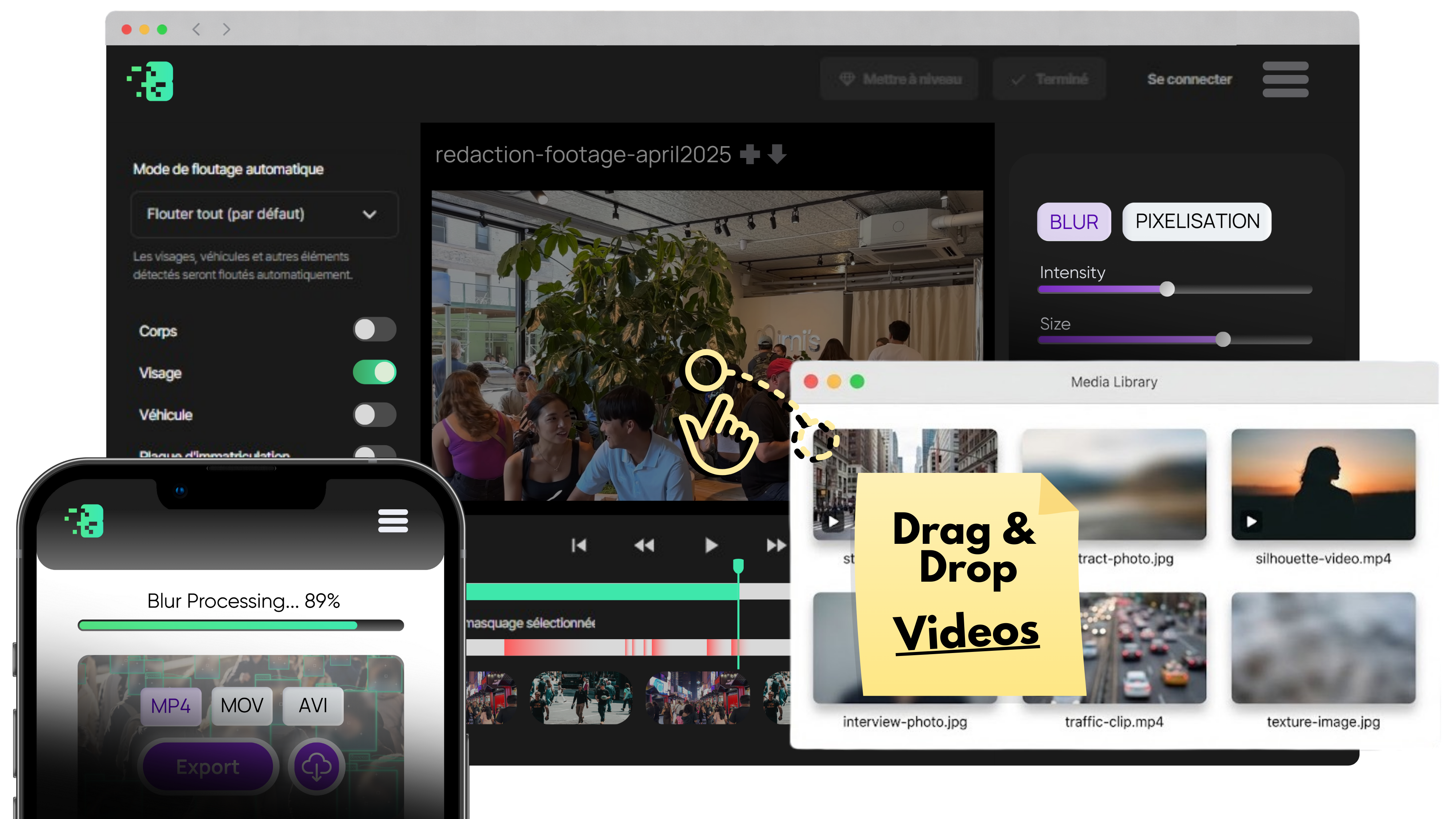
Our automatic face detection for video pipeline tracks faces across frames so you can apply blur or pixelation consistently. It complements blur video online workflows and helps teams who must anonymize video under tight deadlines, without drawing masks by hand.
Why Blur Faces in Videos? (Use Cases)
Video privacy is now both a legal and publishing quality requirement.
Journalism and Reporting
Protect witnesses, victims, and sensitive sources while preserving editorial context and visual credibility [8].
Content Creation and Social Media
Creators filming in public spaces may need to protect bystanders and avoid privacy complaints on major platforms [3].
Legal and Compliance
GDPR and CCPA frameworks require lawful, proportionate processing and safe retention practices for identifiable personal data in video [1] [4].
Security and Surveillance
CCTV and surveillance sharing often requires redaction steps such as blurring third parties before internal or external disclosure [2].

How Blurit's AI Face Blur Works (3 Simple Steps)
Your clip moves through three clear stages (from upload to automatic processing to export), without drawing timeline masks by hand.
Upload your video
Your action: Bring the file you want to protect into Blurit.
How: Drag and drop or browse from your device.
Formats: MP4, MOV, AVI, WebM, and other common creator and business formats.AI detects and blurs faces
Automatic: Detection runs across the timeline.
The model finds faces frame by frame and applies stable blur or pixelation so identities stay hidden, with no manual masking loop.
Download your blurred video
Result: A ready-to-use file.
Export in quality suited to publishing, review, or archiving, with the same path whether you work solo or with a compliance checklist.
Key Features That Set Us Apart
Automatic Face Detection
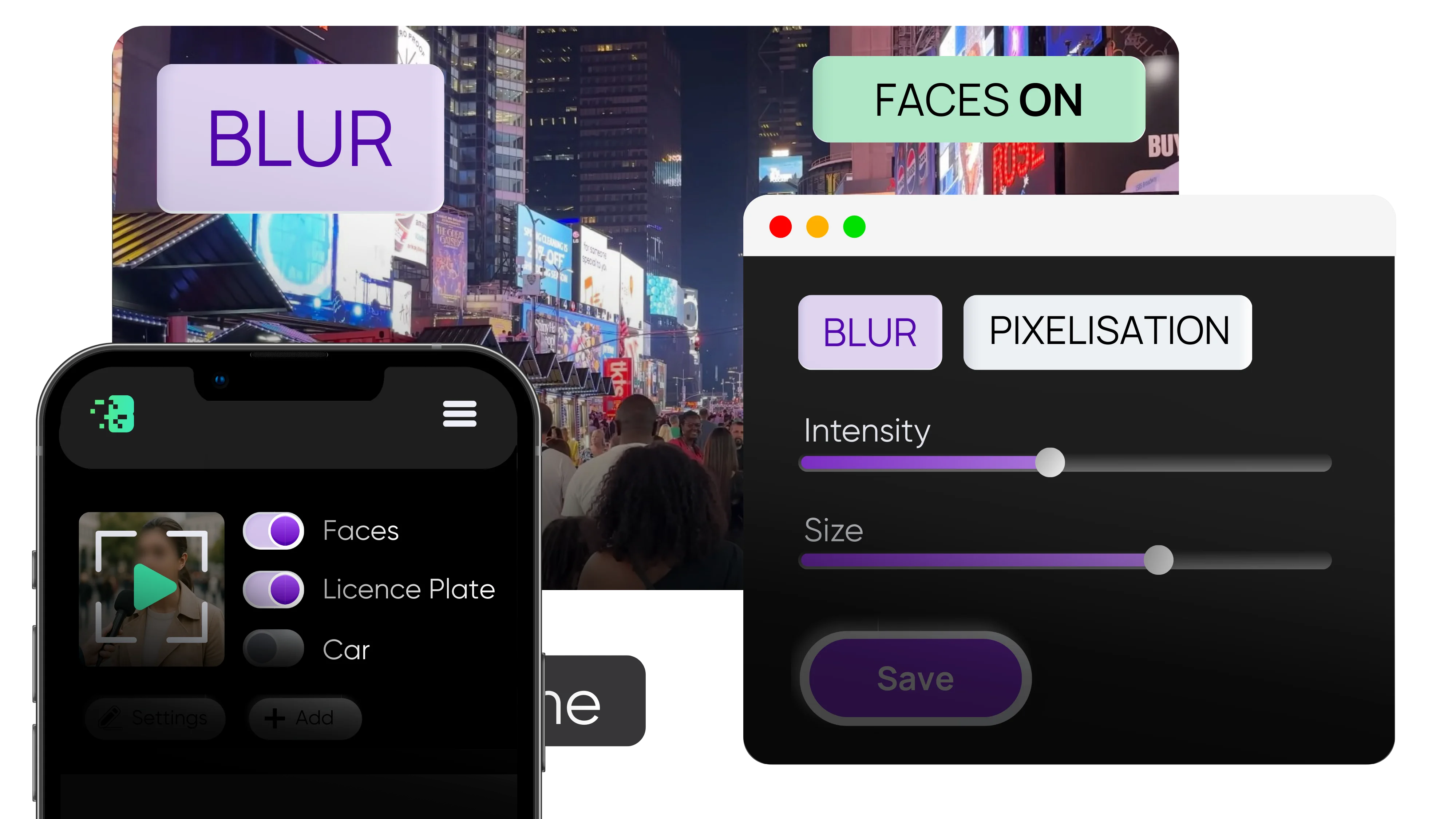
Detects faces in crowds, partial angles, and dynamic scenes with robust consistency.
Batch Processing
Queue multiple videos and reduce total turnaround for recurring publishing workflows.
Customizable Blur Intensity
Switch between soft blur, heavy blur, and stronger anonymization settings.
Fast Processing
Most short-form videos complete in under two minutes depending on length and resolution.
Privacy-First Pipeline
Secure processing, controlled retention, and deletion-friendly workflows designed for sensitive media handling.
Blurit vs. Competitors: Why Choose Us?
| Feature | Blurit | Blur.me | VideoCandy |
|---|---|---|---|
| Automatic Detection | ✓ | ✓ | ✗ (manual) |
| Batch Processing | ✓ | ✗ | ✗ |
| Free Trial | ✓ | Limited | ✓ |
| Processing Speed | < 2 min | 3-5 min | 2-3 min |
| Privacy Policy | Transparent | Standard | Standard |
| Pricing | Flexible | Per-video | Subscription |






Perfect For...
Journalists and News Organizations
Protect source identity while shipping stories on deadline.
Content Creators and YouTubers
Respect public privacy in vlogs and interviews while maintaining audience trust.
Businesses and HR Teams
Anonymize internal training and testimonial footage before distribution.
Podcasters and Streamers
Blur audience or guest faces in clips reused across social channels.
Legal and Compliance Teams
Standardize privacy redaction workflows and reduce manual review load.
Frequently Asked Questions
A: Yes. Blurit supports MP4, MOV, AVI, WebM, FLV, and more. If your format isn't listed, contact support. We can usually add it.
A: Most videos under 5 minutes process in under 2 minutes. Processing time depends on video length, resolution, and number of faces.
A: Our AI automatically detects and blurs all faces. For selective blurring, use our manual editor to adjust regions before processing.
A: Absolutely. Videos are processed on secure servers and deleted immediately after download. We never store or access your content.
A: Yes. Choose from light pixelation to complete anonymization before processing. Adjust in real time with our interactive preview.
References
- [1] European Union. General Data Protection Regulation (GDPR), Regulation (EU) 2016/679. https://gdpr-info.eu/
- [2] UK Information Commissioner's Office (ICO). Guidance on video surveillance (including CCTV). https://ico.org.uk/...
- [3] YouTube Help. Privacy Guidelines. https://support.google.com/youtube/answer/7671399
- [4] California Legislature. California Civil Code 1798.100 (CCPA/CPRA). https://leginfo.legislature.ca.gov/...
- [5] Blur.me. Best Face Blur Tool and Privacy Protection. https://www.blur.me/blog/best-face-blur-tool-privacy-protection/
- [6] Wondershare Filmora. Blur Face in Video Online Guide. https://filmora.wondershare.com/ai-efficiency/blur-face-in-video-online.html
- [7] U.S. HHS. HIPAA Privacy Rule. https://www.hhs.gov/hipaa/
- [8] Reuters Institute. Digital Journalism Ethics: Privacy and Source Protection. University of Oxford, 2023.